Biomes & Collections
PF2B offers two ways to work with grouped plants: Biomes and Collections. Both systems help you quickly bring plants from PlantFactory into Blender, but they serve slightly different purposes. See Setting up Biomes & Collections for setup and configuration instructions.
Shared Library
Both systems write to the same .blend asset files, giving you a unified library.
- Plants imported with Collections are instantly available to Biomes and can also be accessed directly in the Asset Browser.
- Plants imported by Biomes are similarly available in the Asset Browser for direct use outside of biomes.
Storage Location and Organization
Your .blend files are organized in the Asset Library location defined in Preferences > Plant Library > Biomes & Collections > Blend Storage.
Imported plants are automatically categorized in the Asset Library, and a blender_assets.cats.txt file is generated in the root folder. Example:
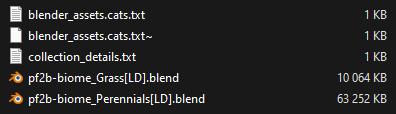
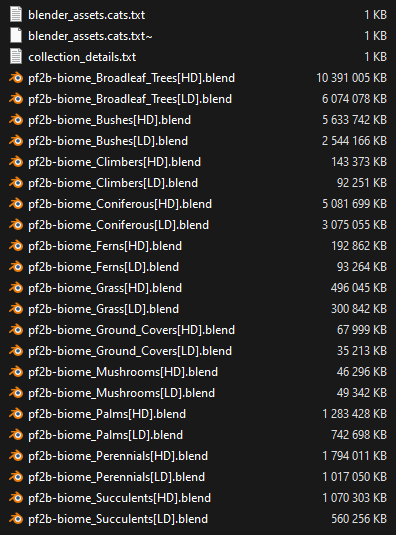
…and inside your Asset Browser, where everything is categorized, tagged, and presented with clear thumbnails:
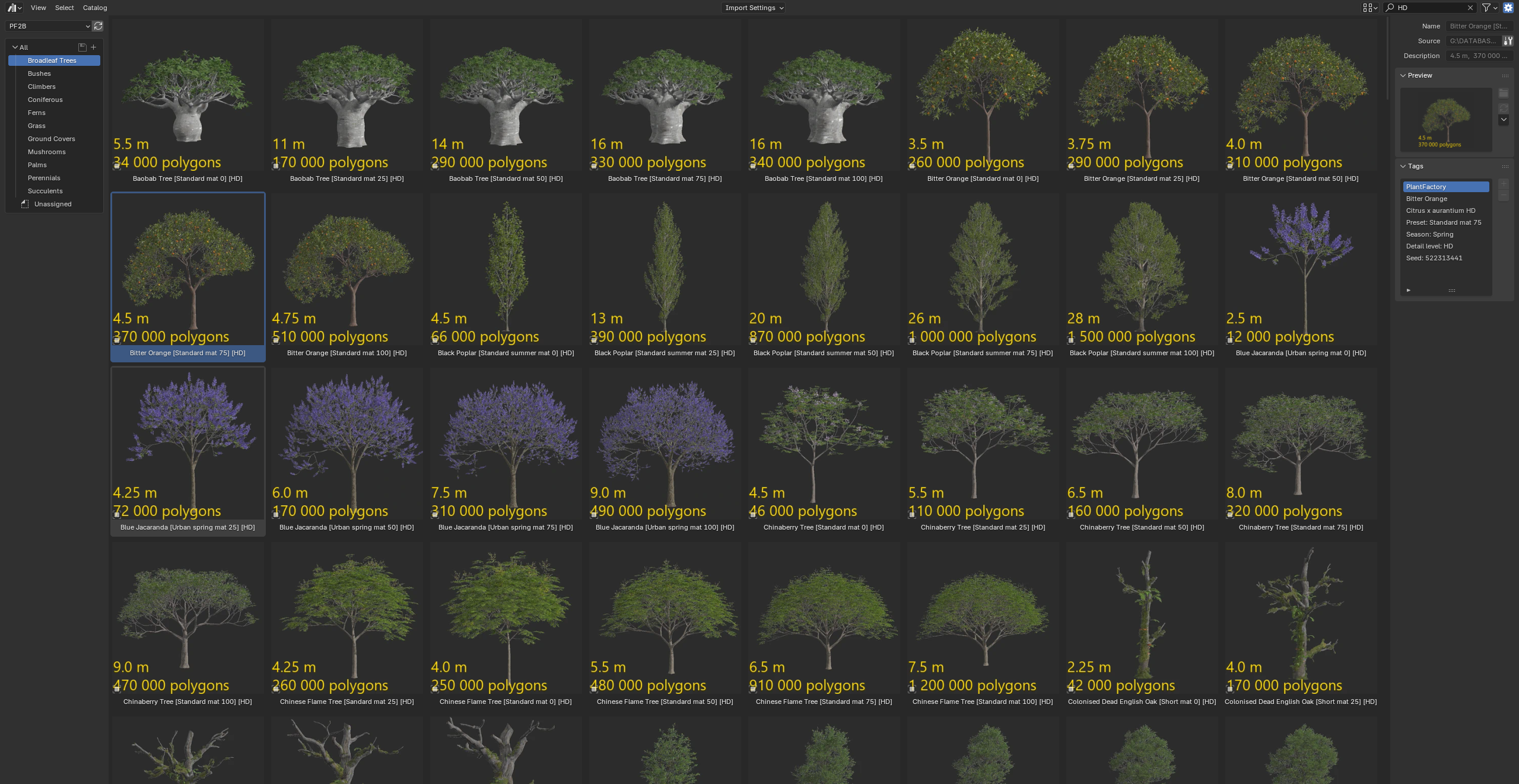
The blender_assets.cats.txt catalog file contains two main categories:
- PF2B - Managed by the addon. Do not edit manually as changes will be overwritten when updating the catalog.
- PF2B_Custom - For your own categories and any additional plants you want to store in this library. Safe to edit and customize.
Biomes
In PF2B, a biome is a ready-made collection of plants designed to quickly build natural environments. Biomes are more than just plant lists, they are structured setups designed to work exclusively with third-party scattering add-ons developed by bd3d:
- Geo-Scatter (commercial; see documentation)
- Biome-Reader (free)
These plugins handle the actual scattering of plants in your scene, making it easy to generate meadows, forests, wetlands, and other natural landscapes.
Choosing a Scattering Plugin
Biome-Reader is a free, simplified version best suited for hobbyists and beginners. Geo-Scatter is the full professional toolset with advanced controls, optimizations, and support.
Since Biome-Reader is free, you can start using PF2B biomes immediately, it works perfectly for exploring and scattering your first biomes.
Special Offer
Upgrade to Geo-Scatter for full professional control. PF2B includes a 10% discount coupon, available directly inside the addon.
Collections
Collections are plant groups for bulk importing into your Blender Asset Library. They let you quickly populate categories of plants for use in the Asset Browser, without waiting for on-demand imports. For this functionality, no external third-party add-ons are required.
When to Use
| Feature | Best For | What You Get |
|---|---|---|
| Biomes | Ready-made scattering setups | Curated ecosystems integrated with Geo-Scatter or Biome-Reader |
| Collections | Bulk asset import | Direct access to plants in Blender’s Asset Browser |
Additional Information
Import Behavior
- The Biomes and Collections importer is smart: it checks your existing Asset Library and avoids importing duplicates.
- You can use menu options to review the status of plants in each category at any time.
The number of available Biomes & Collections will continue to grow over time as new ones are added.